
Monthly News Bytes
April 2026 - Issue #2
|
|
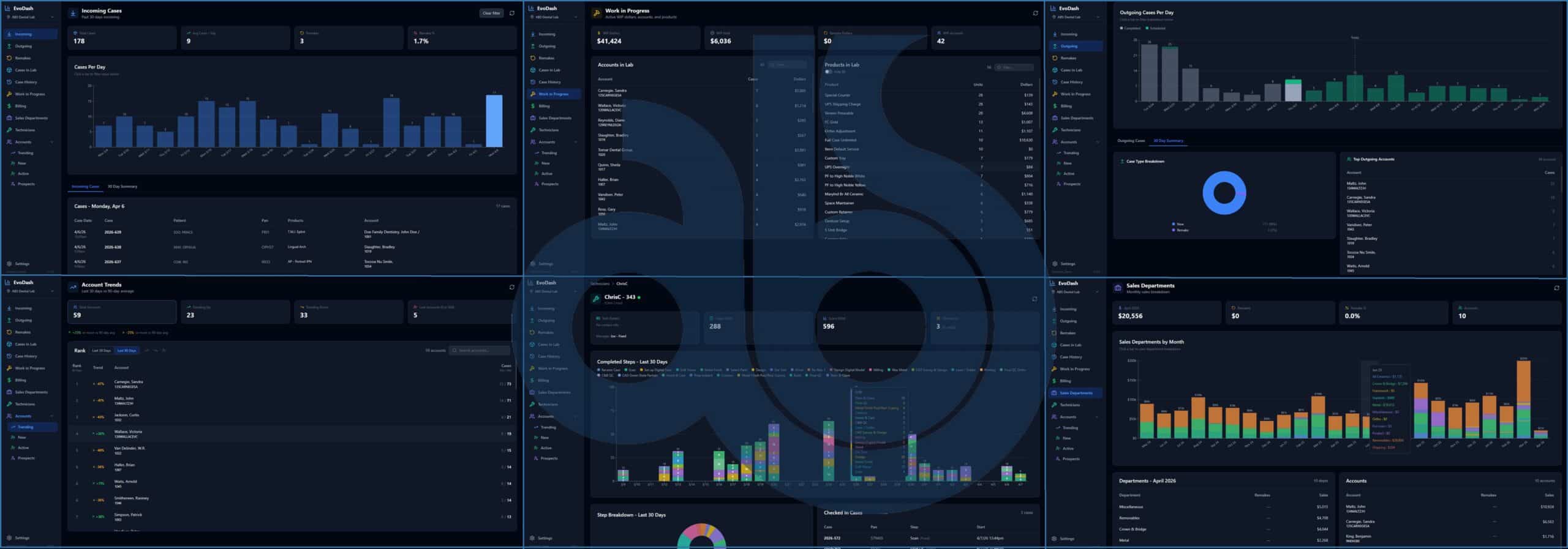
EvoDASH Coming in May!
Your new ABS Evolution Command Center is almost here. EvoDASH will change the way you monitor your lab.
See a Preview!
|
Key Announcements
-Atlanta Based Systems Featured in April '26 LMT Magazine
LMT covers ABS and our latest integrations in "Chicago Insider" section of their latest magazine. View details
|
-ABS Set to Release EvoDASH Application Next Month
EvoDATA is your lab's engine, EvoDASH will be your cockpit. (Quick Look) |
-icortica Integration for AI Analysis of Your Evolution Data
Have AI analyze your CRM notes and sales trends for recommended outreach. Keep more customers, find more revenue. Learn More |
|
Popular Feature Spotlight
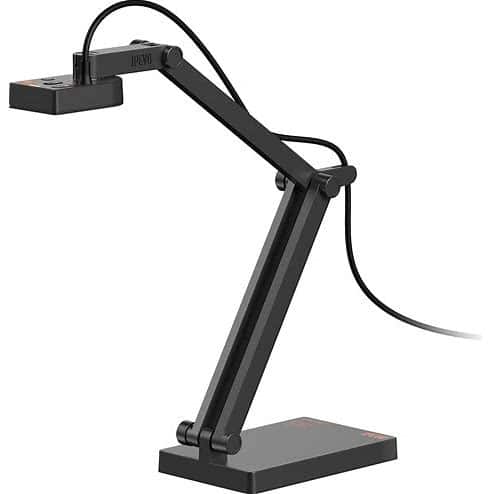 |
Adding Images Using USB Camera
Attach Case Images using various types of USB cameras.
WATCH Video
|
|
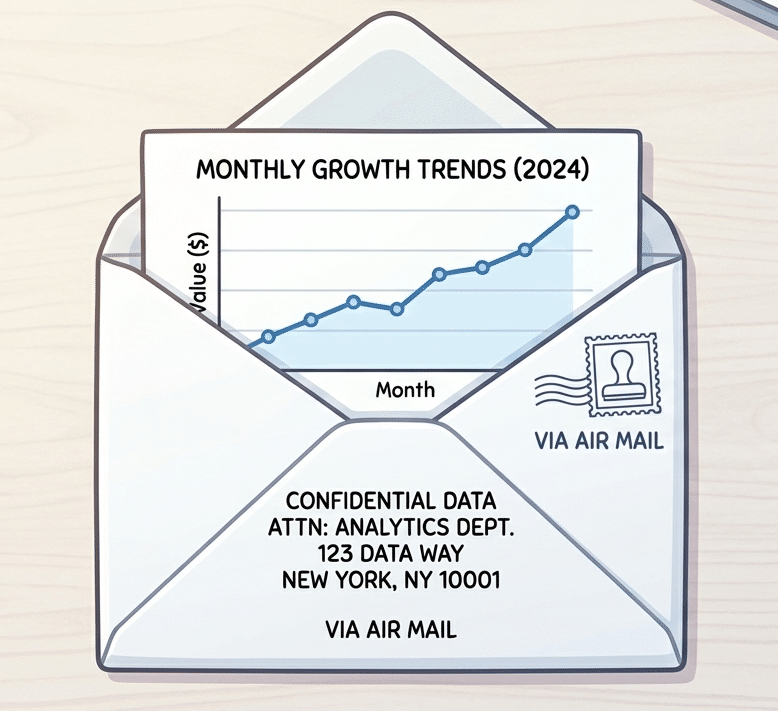 |
Visual Cut to Automate Report Emails
Send critical reports to your doctors and lab staff automatically using Visual Cut.
SEE Examples
|
|
 |
AI Analysis and Game Plan with icortica
Transform scattered customer data into a plan of action to increase customer retention and maximize revenue.
Learn More
|
|
Pro Tips & Tricks
- Fastest Support - Contact support@atlantabasedsystems.com (or Call 1-800-476-2097 Ext. 1). Please do not send support request to individual ABS employee emails.
- Navigating A/R History - Watch how to navigate A/R History and handle un-applying and deleting payments HERE.
- View Multiple Reports Simultaneously - In EvoDATA, click Reports>View Reports as many times as you need to see multiple reports at the same time.
- CRM: Customer Service - Use the Customer Service form as your "one-stop shop" for all information regarding an account.
Watch CRM Video
|
FAQs
|
How do I unlock a Doctor login after they enter the wrong password too many times?
In the EvoDOCTOR Portal, after three invalid login attempts, the login will be locked for two hours.
Manually unlock the doctor's login by:
1) Removing the check from the "Login Locked" checkbox next to the account in EvoWEBADMIN>Login Maintenance. Or,
2) Right clicking on the User Login record and selecting "Unlock Login." Learn more |
How do I add/change my CRM Activity Types?
Go to CRM>Note/Act. Types, double-click into the "Note Type" field to change the description, and Save.
View Note/Activity Types
|
|
Quick Resources -
ABS Home -
Sales -
YouTube -
Support
|
|
You're receiving this because you are subscribed to the ABS Monthly Newsletter.
View in browser
Atlanta Based Systems Inc. - 110 Clarkesville Plaza - Clarkesville, GA 30523
Unsubscribe -
Privacy Policy
©2026 ABS Evolution. All rights reserved.
|
|